Pick up any project after weeks away.
Context keeps everything around your projects in one place: the links, logins, notes, files, next steps, and how it all connects. No account, no server, no subscription. Your data stays on your Mac.
macOS 14 Sonoma or later · Apple silicon · MIT license
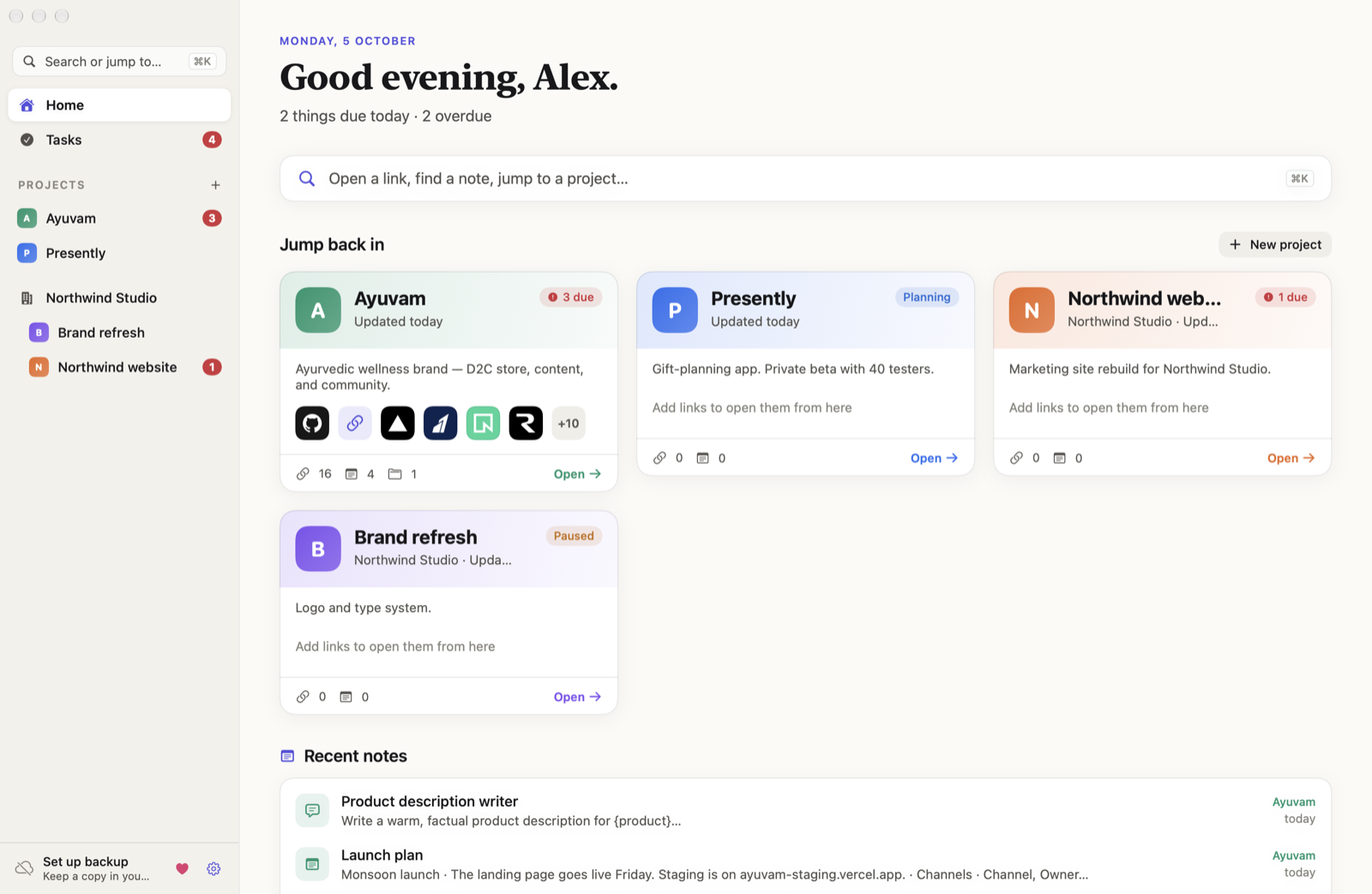
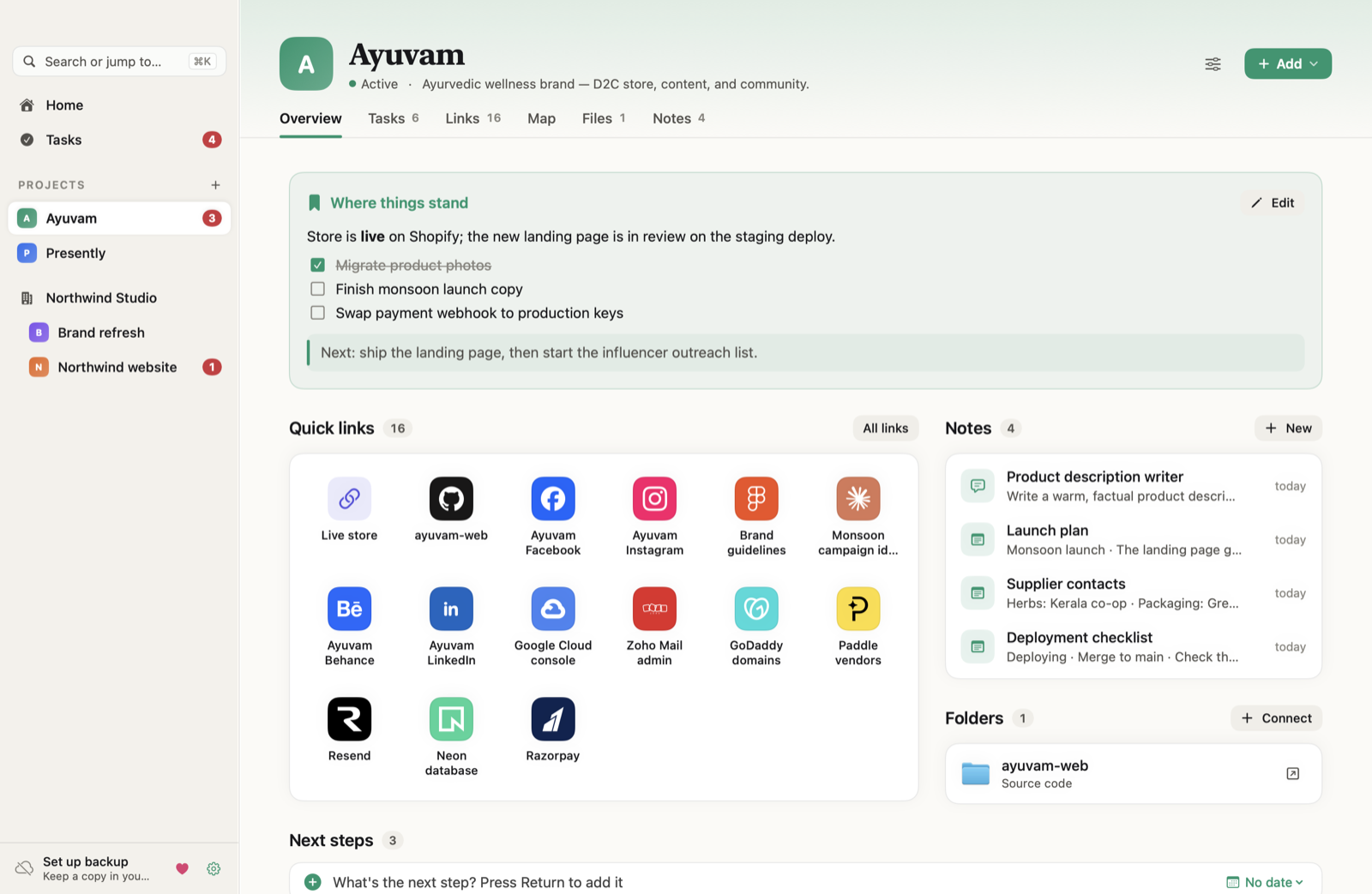
Everything a project needs, one page each
Built for people juggling side projects, client work, and their own products, and tired of rebuilding context from memory.
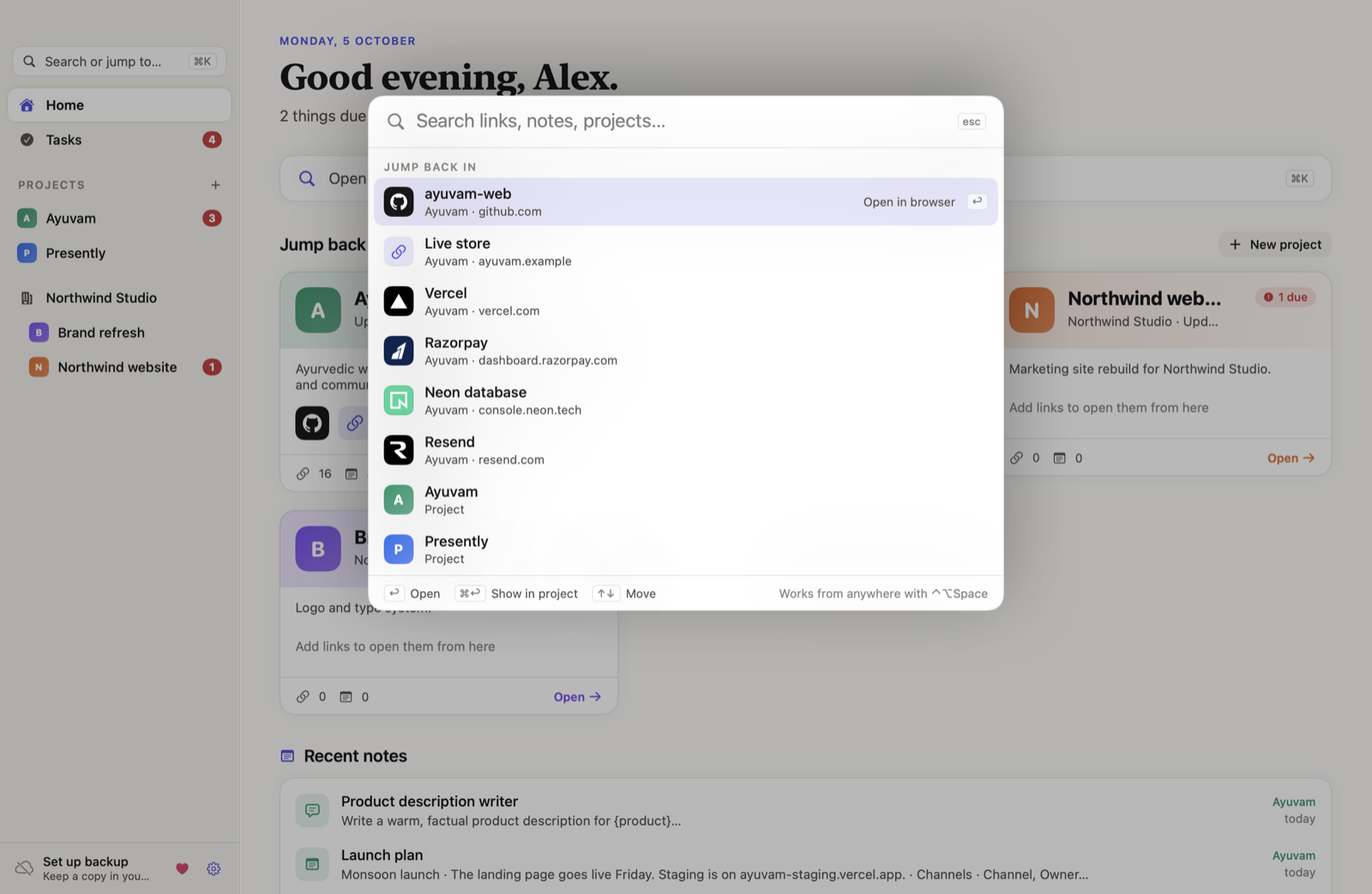
⌘K to open anything
Type “vrcl” or “neon” and press Return. Works from any app with ⌃⌥Space and from the menu bar.
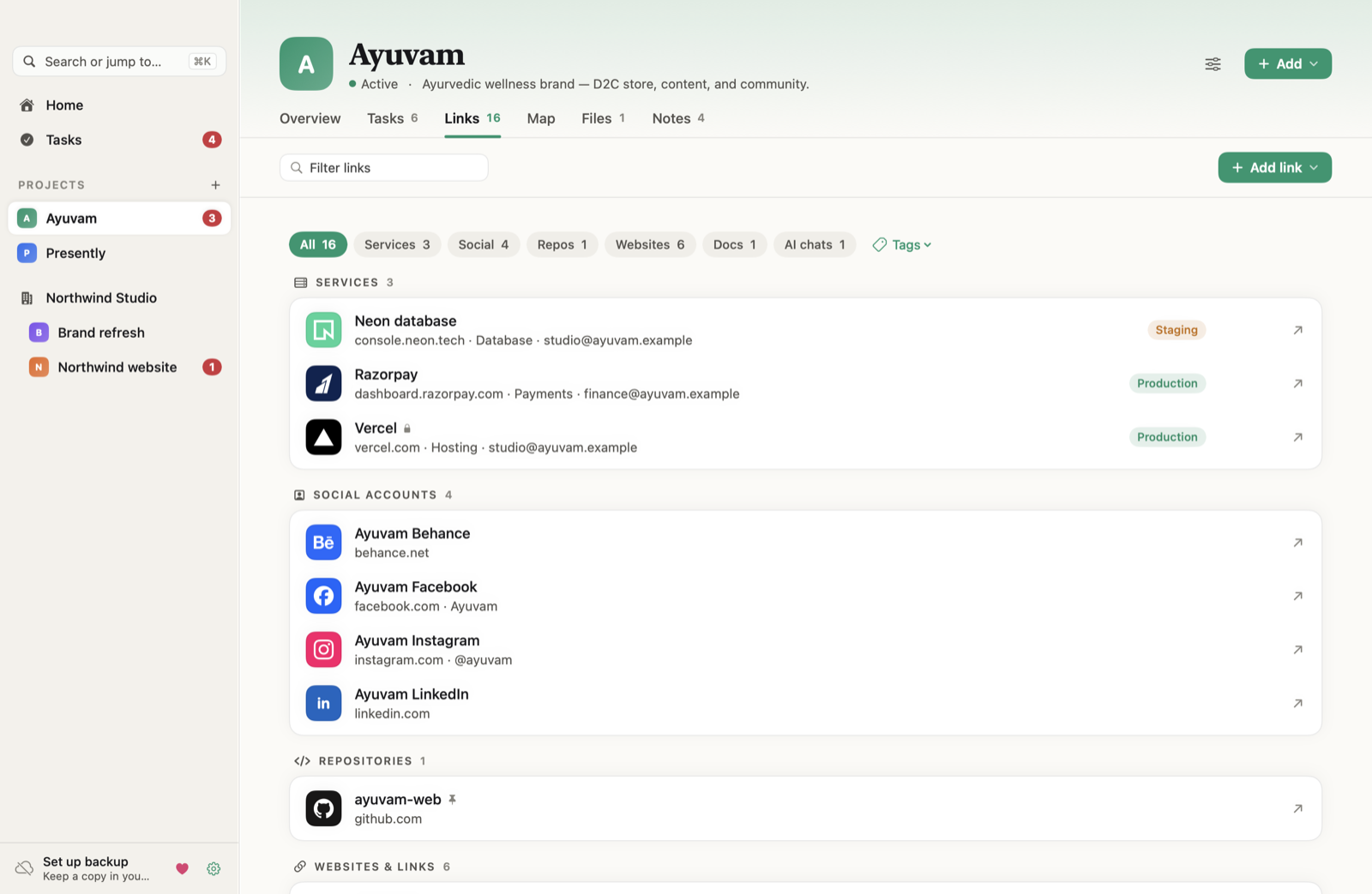
Links with real logos
Services, repos, social accounts, docs, and AI chats, recognised for 100+ brands.
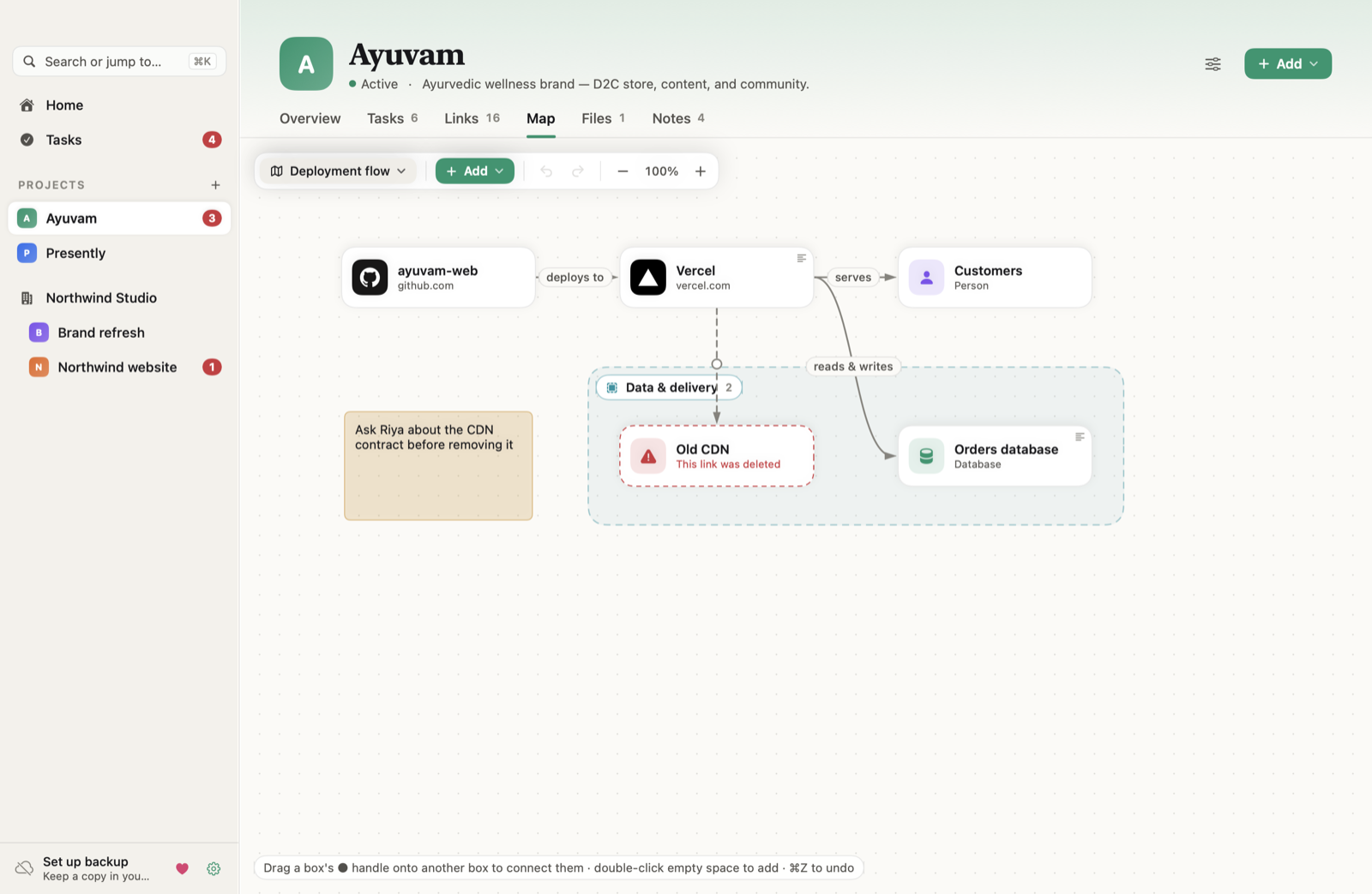
A map of how it connects
Draw the people, apps, and services behind a project, group them, and click any box to see its notes and details.
Tasks that don't slip
Due dates, repeats, reminders, and snooze. Overdue work stays visible even if you miss a notification.
Notes and prompts
Markdown with tables, checklists, and code blocks. Save the prompts you reuse every week.
Your folders, in place
Browse existing folders with previews, and read Markdown docs right inside the app. Nothing is copied, moved, or deleted.
Locked with Touch ID
Passwords live in the Keychain, and an optional app lock asks for Touch ID or your Mac password to open Context.
Backup to your own cloud
Dated copies in iCloud Drive, Google Drive, Dropbox, or OneDrive. No telemetry, ever.
A closer look
Light and dark mode, keyboard-first, and fast because it's a native SwiftUI app.